
Long video in.
Drop a URL or upload a file. AI does the rest.
Clipping preview
See what FlareClip creates.
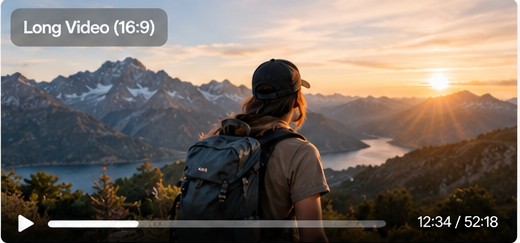 Long video
 Short clip 1
 Short clip 2
 Short clip 3
♩Podcasts⊞Gaming◉Sports▢E-commerce◌Livestreams▣Webinars
Made for whatever you create.

Gaming

Sports

E-commerce

Livestreams

Webinars
Everything you need. Only when you need it.
Review your clips, publish them as-is, or use any of these tools for more control.
AI Clipping
Find the strongest moments and turn long videos into short clips.
Reframe
Keep the original ratio or reframe to 9:16.
Caption styles
Style available captions, upload your subtitles, or request AI captions.
Publish & Schedule
Creator and Power: connect social accounts and schedule your clips.
From $4.90/month
$4.90Try free →No card requiredFrequently asked questions
How do I get started?
Paste a supported video link or upload a file. Sign in, confirm your clip settings, then generate. Each clip appears in your workspace as it finishes.
Do I have to add captions or change the size?
No. The first cut keeps the original aspect ratio without burning in captions. Editing, captions, and publishing are optional.
What can I upload?
Upload MP4, MOV, or WebM files up to 3 GB and 2 hours. Free trials support sources up to 10 minutes. Only use videos you have the right to process.