Makes sense on its own
A clip should not depend on something explained earlier in the video.
YOUTUBE TO SHORTS
Paste a YouTube link. Get short clips with titles, reframe them to vertical, and post.
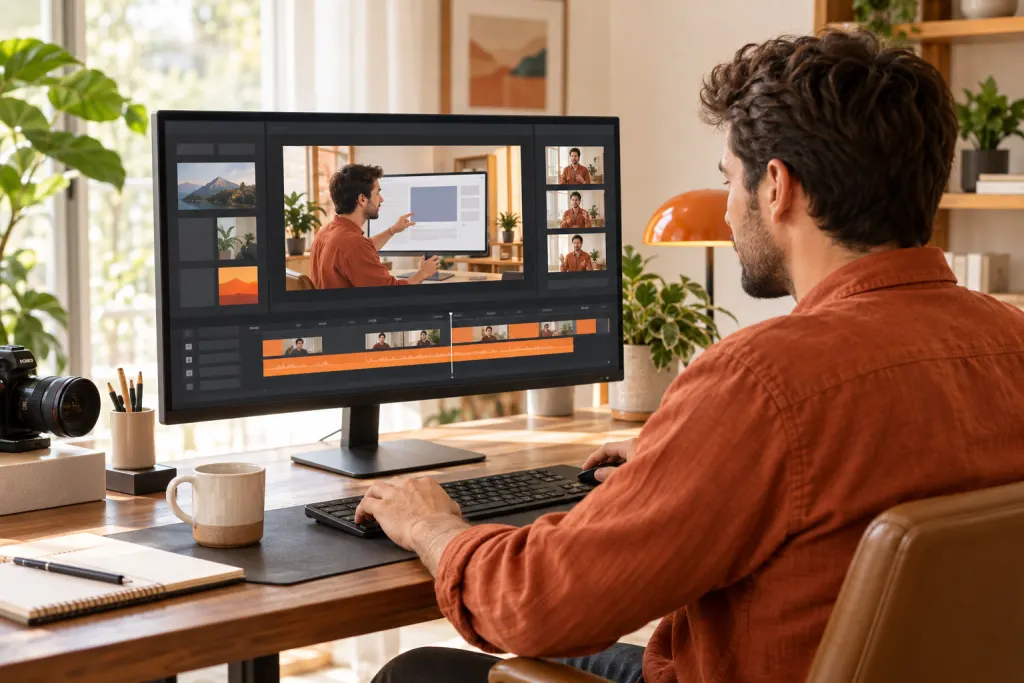
Paste a link to a public YouTube video you own or have permission to use. FlareClip imports it, suggests short clips around its strongest moments with titles, and lets you reframe each clip to vertical 9:16, follow a selected face, and add captions before you download or schedule it. The first cut keeps the original aspect ratio; reframing and captions are optional.
A clip should not depend on something explained earlier in the video.
One point, one step, or one result is easier to watch to the end than several at once.
After reframing, check that on-screen text, demos, and people stay in the frame.
Paste a public YouTube video link, or upload the video file directly.
Choose a clip length and generate. Each clip appears in your workspace as it finishes.
Switch to 9:16, pick the face to follow, add captions, then download or schedule.
Only public, accessible videos you have the right to use. Private, members-only, or restricted videos may not import.
No. Paste the link. If the video is already on your device, you can upload it instead.
The first cut keeps the original aspect ratio. In the editor, switch to 9:16 or 1:1 and choose which face to follow.
Yes. Style available captions, upload a subtitle file, or request AI captions.
Upload MP4, MOV, or WebM up to 4 GB. Free processes up to 30 minutes per video; paid plans up to 2 hours.
Download clips and upload them yourself. Creator and Power can connect social accounts and schedule clips.